Built for volunteer organizations

More time for your mission. Less time chasing the schedule.

Give willing people a clear way to help—and give your coordinators one place to organize it. Recruit volunteers, fill shifts, prepare your team, and record the hours that make your work possible.

For campaign teams, advocacy organizations, nonprofits, and community programs.

Campaign volunteers preparing handouts and shift assignments with a coordinator in a local organizing office.
Your public volunteer signup board
Real Teamcrest screens with fictional demo data. Select any screenshot to take a closer look.

Make it easier to say yes

Share opportunities with people who want to help.

Give every shift a clear plan

Keep people, roles, locations, and approvals together.

Make participation visible

Record attendance and service hours after the work is done.

A clearer day for you. A better experience for volunteers.

FROM FIRST SIGNUP TO SERVICE HOURS

Replace scattered signup lists and follow-up messages with a connected workflow for the people who power your organization.

Turn “I’d love to help” into a shift on the calendar.

01 / Recruit & schedule

Share a public board with your community. Visitors can browse upcoming opportunities in a list or calendar before signing in to request a shift. Plan the work in the same schedule your paid staff use.

  • Publish opportunities by role, location, date, and time; keep drafts and private shifts off the public board.
  • Keep the selected opportunity through registration and sign-in, then ask the volunteer to confirm their request.
  • Use Volunteer, Employee, or Mixed shifts. Confirmed assignments appear in each person’s My Schedule.

The shared schedule keeps your team’s assignments visible.

Welcome new people without losing control of coverage.

02 / Review & fill openings

Decide whether new volunteers and individual shift requests need approval. Review interested people and pending signups, then choose who fills each open slot.

  • Review new applications and manage active, suspended, or archived volunteer profiles.
  • Allow waitlists for filled slots; coordinators approve a waitlisted person when an opening becomes available.
  • Let volunteers follow their applications and signup statuses in My Requests, even before they join your team.
Approvals and waitlists stay in the coordinator’s hands.

Know who is ready before you confirm the shift.

03 / Prepare your people

Keep orientation and other prerequisite checks connected to volunteer scheduling. Record verification and expiry dates, and use assigned onboarding plans to make preparation clear.

  • Define manual requirements and choose which checks are mandatory for volunteer shifts.
  • Missing or expired mandatory prerequisites block shift confirmation until they are verified.
  • Choose approval rules, waitlist settings, and cancellation deadlines to fit your program.
Record prerequisite verification alongside your volunteer settings.

See who showed up—and the time they contributed.

04 / Record participation

Give coordinators a practical way to record attendance and total service hours. Choose the hours method that fits how your program operates.

  • Use scheduled shift duration when a coordinator marks the volunteer as attended.
  • Alternatively, have coordinators record check-in and checkout timestamps or enter service hours manually.
  • Track attended, no-show, and excused statuses, and review total recorded hours on the Schedule page.
Attendance records turn completed shifts into recorded service hours.

More than a volunteer signup list.

KEEP THE REST OF YOUR PROGRAM CONNECTED

Use Teamcrest’s shared workspace tools to support the work around every shift—from event instructions to repeatable daily routines.

A volunteer coordinator using an iPad at a campaign check-in table with route maps and handouts.

Reach the right people

Send operational updates to selected people, roles, or locations. Use in-app notifications, email, and SMS where integrations, consent, and preferences allow.

Make routines repeatable

Create reusable opening, cleanup, and event-preparation checklists. Keep completed runs and notes available for follow-up.

Put answers within reach

Give permitted team members an AI assistant that answers questions from your uploaded handbooks, policies, and program instructions.

Keep resources together

Organize shared files and give your team a place to find program materials. Use the contact list to look up the people they work with.

Handle changing plans

Let volunteers record unavailable dates and request coverage or swaps. Recipient consent and coordinator review keep reassignment clear.

Spend less time rebuilding schedules

Reuse shift templates and recurring series. When AI scheduling is enabled, generate a draft from availability, roles, and coverage needs, then review it before publishing.

Keep problems from slipping through

Log equipment problems or maintenance needs with photos, urgency, and an assignee. Track progress so the next team can walk into a ready space.

Coordinate your paid team, too

Use employee time tracking, timesheet reviews, and payroll exports for paid staff alongside volunteer scheduling. Volunteer service hours stay separate.

Share the responsibility

Give authorized coordinators access to roster management, shift decisions, or hours recording through separate permissions.

Shared tools depend on your plan, enabled features, and member permissions. Compare plans

A few things coordinators ask.

Understand how signups, readiness, and hours work before you bring your program into Teamcrest.

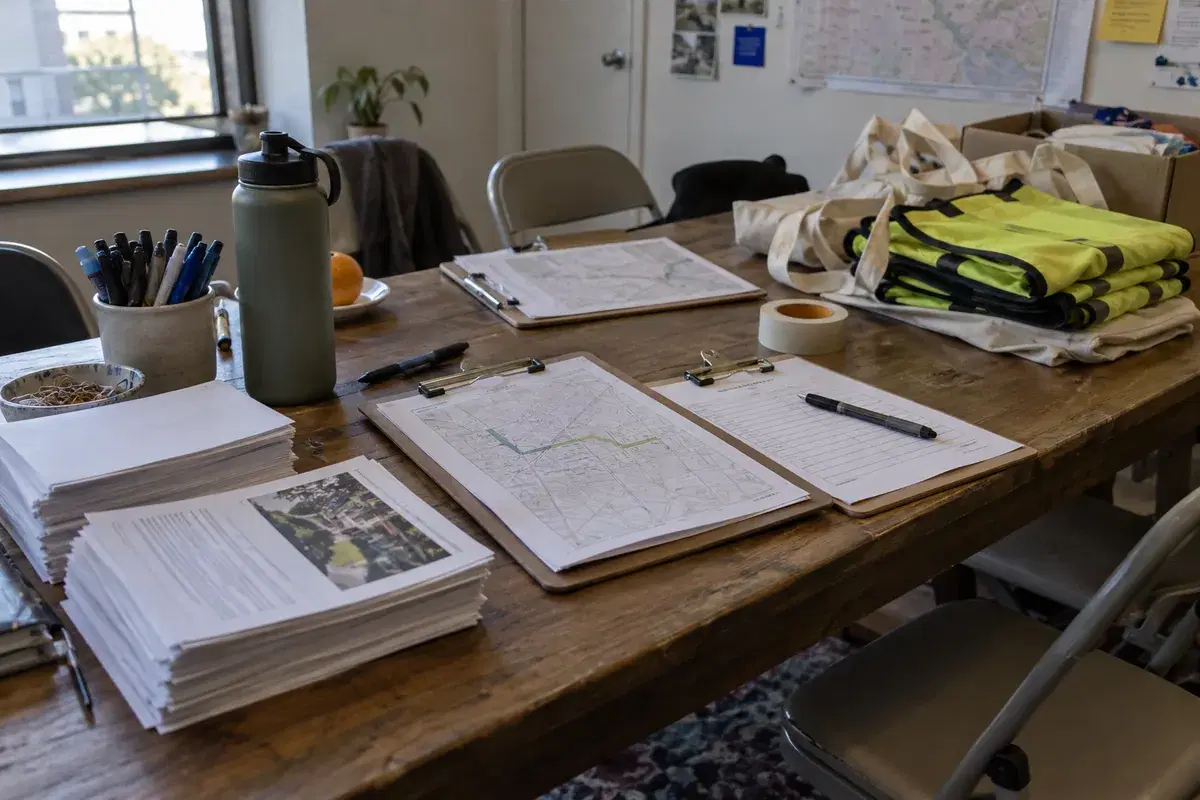
Read the coordinator guideClipboards, route maps, pens, handouts, and tote bags prepared for a campaign volunteer shift.
Can people browse opportunities before creating an account?

Yes. When you enable the public volunteer board, visitors can browse future published Volunteer and Mixed opportunities marked public. They sign in or create an account and explicitly confirm a request. Your approval and prerequisite rules determine whether a request becomes a confirmed assignment.

How do we schedule several volunteers for one event?

Each shift has one assigned person. Create a separate shift slot for each person you need at the event. Filled slots can accept waitlist requests when enabled; a coordinator approves someone when a vacancy opens. Group signups and automatic waitlist promotion are not currently available.

Does Teamcrest conduct background checks or collect signed waivers?

Teamcrest lets coordinators record manual prerequisite verification and expiry dates. Complete background checks, waiver signatures, and training through your own process, then record the result here. Missing or expired mandatory prerequisites prevent shift confirmation.

How are volunteer service hours recorded?

A coordinator records attendance. Depending on your settings, hours come from the scheduled duration when marked attended, coordinator-recorded check-in and checkout, or a manual entry. Signing up alone does not accrue hours. Volunteer self-check-in, location verification, and dedicated service-hour certification exports are not currently part of this workflow.

Can our paid staff and volunteers work in the same organization?

Yes. Employee, Volunteer, and Mixed shifts share the same workspace and published schedule. An existing employee can claim Volunteer or Mixed shifts while keeping their team role. Volunteer service hours remain separate from employee time-clock and payroll workflows.

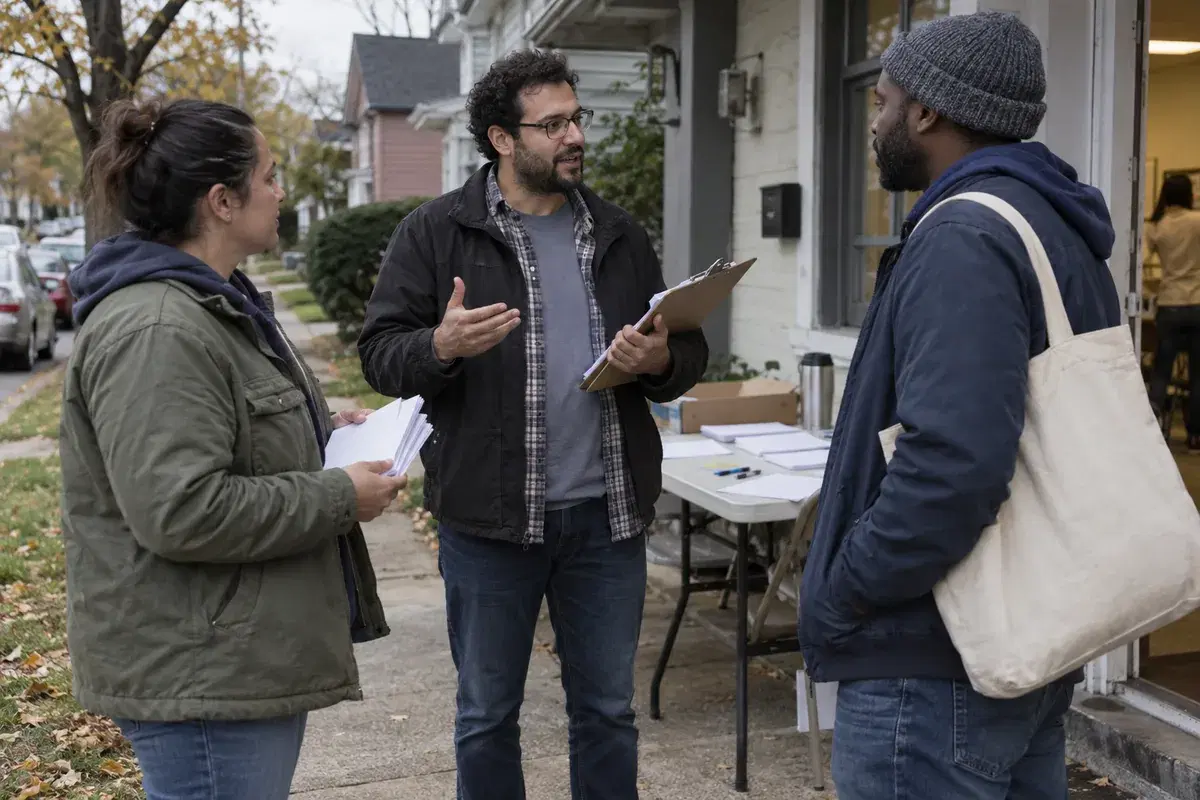
A campaign volunteer coordinator briefing two volunteers before a neighborhood canvassing shift.

Help your people spend their time where it matters.

Bring volunteer opportunities, coordination, and participation into one workspace—and keep your attention on the community you serve.