
Construction
Coordinate field schedules, jobsite clock-ins, coverage, and daily checklists.
Explore ConstructionBuild schedules, fill open shifts, track time, share team updates, and keep recurring work on track in one place.
Practical tools for managers, employees, and volunteers who need the current schedule, clear coverage, and consistent day-to-day operations.
Open shifts, sub requests, and pickups: employees proactively manage coverage while schedules are auto-created around availability.
Explore featureClock in with location verification, review timesheets, and export approved hours for payroll.
Explore featureBroadcast messaging, automated shift reminders, and scheduling updates with SMS and email notifications.
Explore featureKeep recurring checklists, inspections, and maintenance tasks on track.
Explore featureOnboard staff and track roles, documents, certifications, and availability.
Explore featureA chatbot references policies, SOPs, and handbooks to give employees fast answers.
Explore featureMake Teamcrest feel like your organization with personalized branding and a branded subdomain.
Explore featurePublish open shifts, welcome new volunteers, and review signups from one shared place.
Explore volunteersKeep the accounting system you know. Bring schedules, time tracking, and team operations together in Teamcrest, then export approved hours for your payroll workflow.
See the QuickBooks workflow
Plan coverage and keep shift changes in one place.
Check timesheets and approve time by pay period.
Download approved hours as CSV for your payroll process.
CSV export · Your existing accounting setup
Keep your team updated and maintain efficient communication with powerful messaging tools. From broadcast notifications to targeted group messages, ensure everyone stays informed.

Smart Time Tracking
Simplify payroll with our geofenced time clock. Set virtual boundaries around your work spaces so employees can only clock in or out when they are physically on location.
Ready for the morning shift
Location verified. You’re inside the worksite.
Try the time clock previewAI Knowledge Base
Upload employee handbooks, standard operating procedures, and company policies. Teamcrest turns them into a searchable knowledge base so team members receive answers that match your documents whenever they need a quick answer.
What’s the opening safety procedure?
The shift lead completes the opening checklist, records any hazards, and confirms the team briefing before work begins.
Before work begins, the shift lead must complete the opening checklist, record any hazards, and confirm the team briefing.
Try an example question
Interactive example · Answers from your team’s documentsBring your volunteer opportunities together on a welcoming public page. Choose which shifts to share, let anyone browse and request a spot, and approve the people who join your team.
Explore volunteer managementA little time. A local difference.

9 AM – 12 PM · Valley Community Garden
4 PM – 6 PM · Neighborhood Food Pantry
10 AM – 1 PM · Riverside Park
Example public board · Sign in or create an account to request a spot. Requests are reviewed by the organization.
Built for the teams we know locally
Start with the same scheduling and operations tools, then see how they fit your business or volunteer organization.
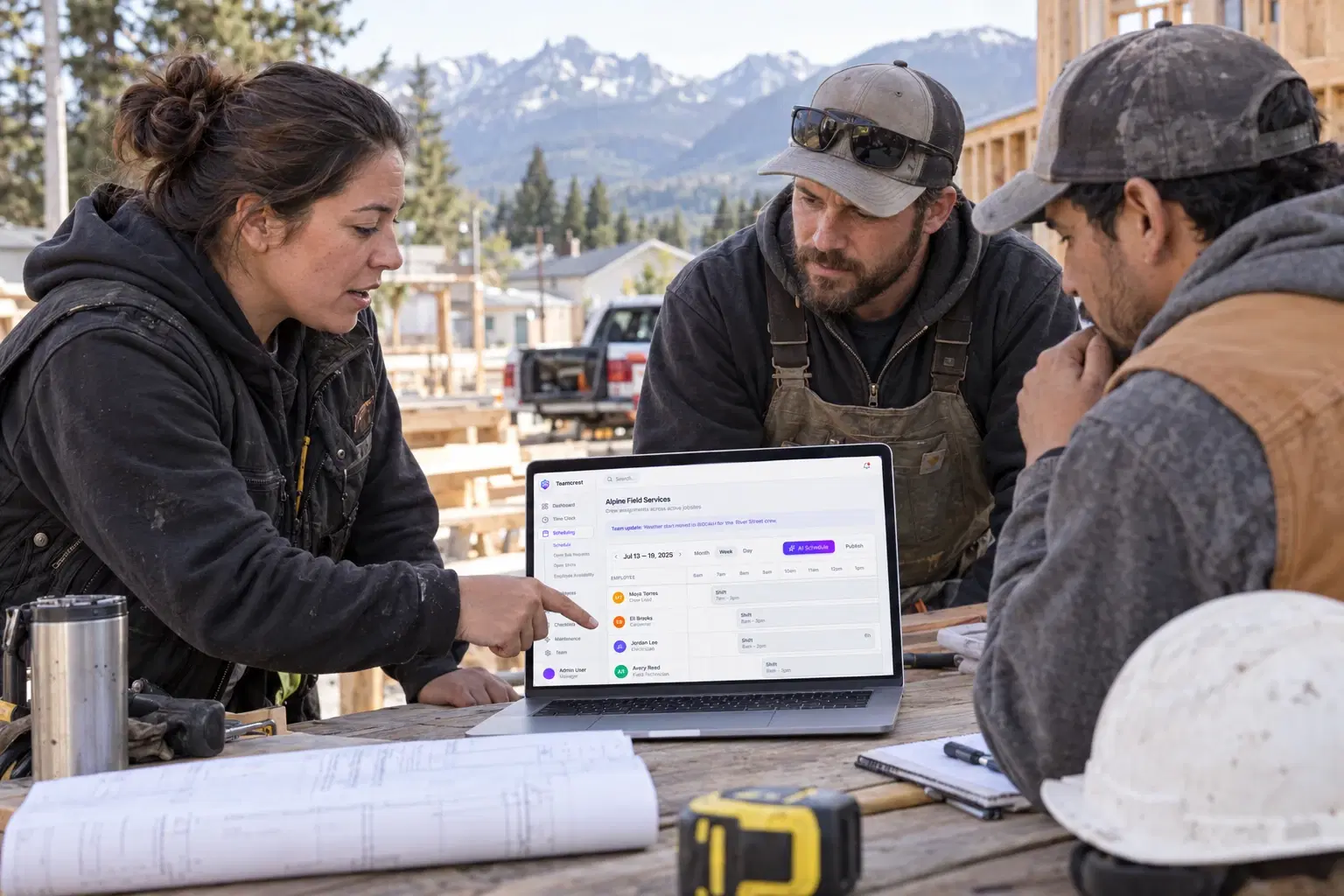
Coordinate field schedules, jobsite clock-ins, coverage, and daily checklists.
Explore ConstructionKeep front- and back-of-house schedules, shift coverage, and opening routines aligned.
Explore RestaurantsManage guard coverage, certifications, pool schedules, and safety checklists.
Explore AquaticsPublish volunteer shifts, review signups, and record attendance for campaigns, nonprofits, and community groups.
Explore volunteers Crest Code
Teamcrest is built in the Gunnison Valley by Eric Swanson at Crest Code. Local product development, onboarding, and a real person to call when your team needs help.
Meet Eric and Crest CodeChoose the plan that fits your business needs. No hidden fees, cancel anytime.
Everything you need to know about getting started with Teamcrest.
Still have questions? Contact our support team