Built for aquatics & recreation

Keep the deck covered. Keep the day moving.

Your facility runs on more than a staff schedule. Bring lifeguard coverage, pool chemistry records, certification checks, and daily routines into one workspace—so your team knows what needs to happen next.

For aquatic centers, community pools, swim schools, and seasonal recreation teams.

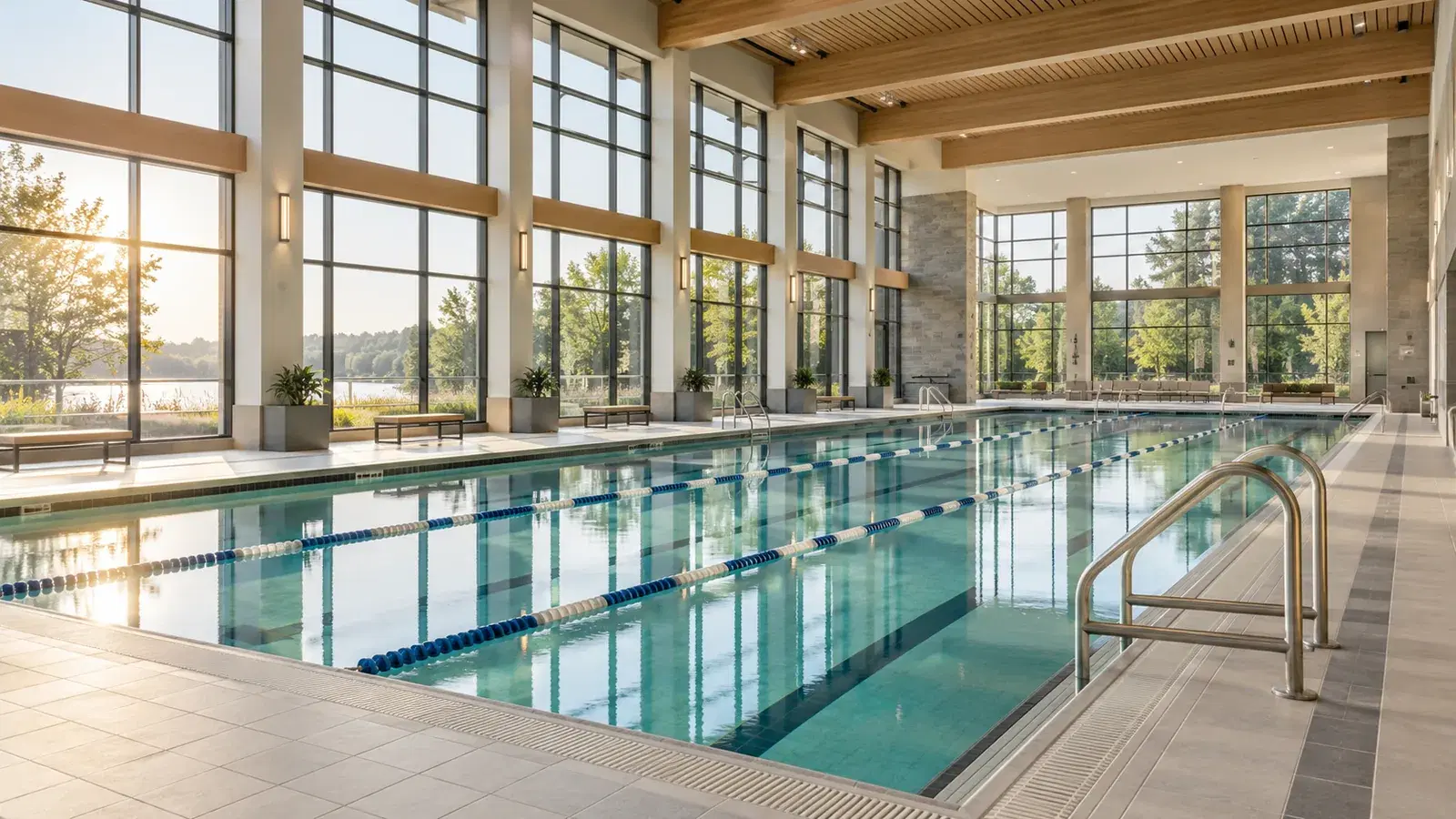
Illustrative indoor aquatic center with a lap pool, lane ropes, large windows, and warm neutral architecture.
Your aquatic team’s schedule
Real Teamcrest screenshots with fictional staff and data. Select any screenshot to take a closer look.

A clear plan for every shift

Give guards, instructors, and front-desk staff one place to see their assignments.

Pool records within reach

Keep water chemistry readings and trends connected to each body of water.

Consistent daily follow-through

Make opening, closing, and equipment routines easy to assign and review.

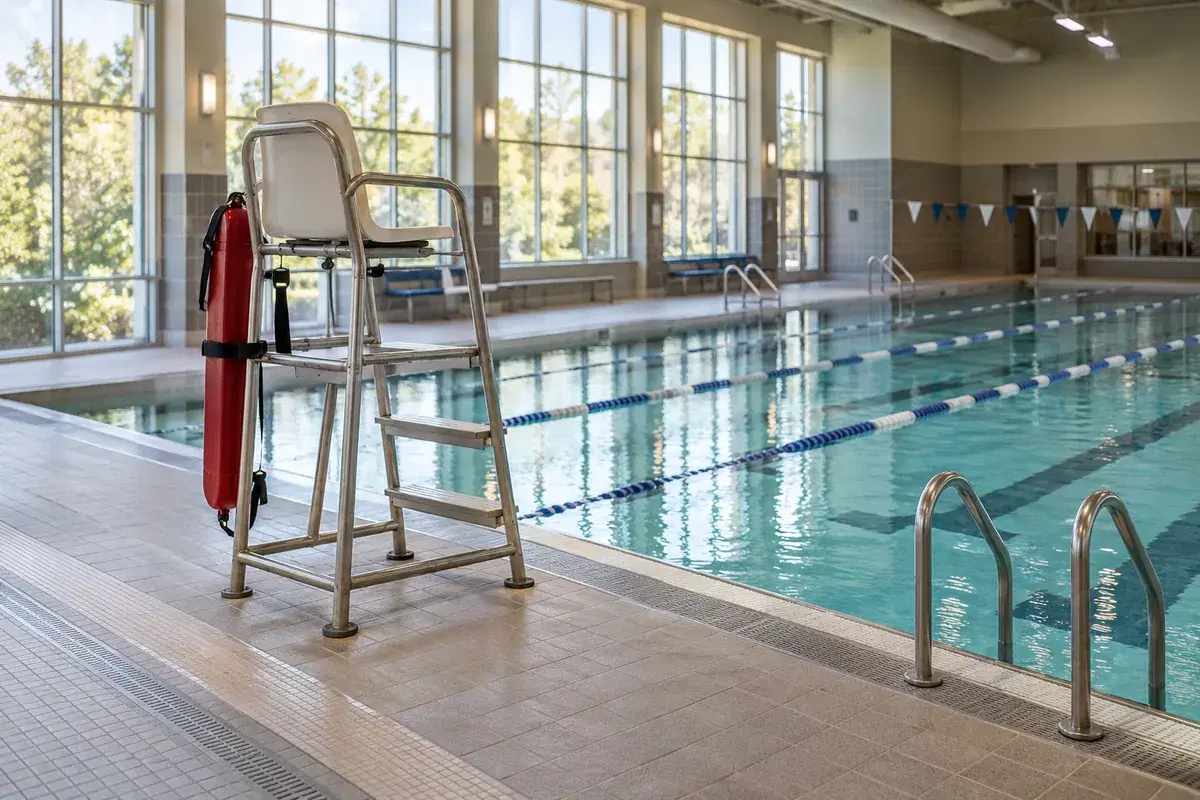
Illustrative pool deck with a lifeguard chair and rescue tube beside an indoor lap pool.

Less schedule chasing. More time with your team.

START WITH THE PEOPLE ON DECK

Build around real availability

Organize shifts by role and facility. Reuse templates and recurring series, collect availability, and review conflicts before publishing. When enabled, AI can help draft a schedule for your review.

Keep assignments clear

Publish the schedule so staff can see their shifts in My Schedule, including on mobile. Handle open shifts, coverage invitations, and swaps through the shared request workflow.

From the first water check to the last handover.

THE WORK AROUND EVERY SHIFT

Give your team a connected way to document pool conditions, prepare for work, complete routines, and stay informed.

Keep a clear record of what’s happening in the water.

01 / Pool chemistry

Record readings for each pool and review the history in one place. Give the next shift useful context without tracking down a paper log or a separate spreadsheet.

  • Log pH, free and total chlorine, alkalinity, hardness, cyanuric acid, and temperature.
  • Filter by pool, reading type, and timeframe to review values and trends.
  • When AI Chemical Reader is enabled, use a test-strip photo to prefill readings, then verify them before saving.
Explore chemical logging
Pool-specific charts and reading history keep your records together.

Make preparation visible before the first shift.

02 / Staff readiness

Create an onboarding flow for lifeguards, instructors, and seasonal staff. Keep certification evidence, orientation steps, and manager reviews connected to each person’s preparation.

  • Collect certification documents, issuer details, and expiration dates for manager review.
  • Assign acknowledgements, training links, document uploads, and manual review steps.
  • Review staff readiness and choose whether scheduling checks warn or block when required preparation is incomplete.
Explore onboarding
Lifeguard credentials and emergency procedures in one onboarding flow.

Give the next team a routine they can rely on.

03 / Opening, closing & inspections

Turn your facility’s procedures into reusable checklists. Track each run, see what is complete, and keep notes that help the next shift follow through.

  • Build templates for pool opening, closing, rescue-equipment checks, and other recurring routines.
  • Create dated checklist runs for a location and record task completion.
  • Keep completion records and handover notes available for managers to review.
Explore checklists
Your procedures, organized into a checklist your team can complete.

Reach the team that needs the update.

04 / Staff communication

When weather changes the plan or a lesson moves, send a clear update to the relevant people. Keep operational announcements alongside the schedule your staff already use.

  • Choose recipients by person, position, or location.
  • Use in-app notifications, email, and SMS where integrations, consent, and preferences allow.
  • Review recipient and channel counts before sending, then see how many deliveries were sent.
Explore communications
A sample staff announcement prepared in the real communications composer.

Questions from aquatic facility managers.

A practical look at how these tools fit into the procedures and staffing decisions you already manage.

Can we coordinate different roles and facilities?

Yes. Schedule by position and location so lifeguards, instructors, shift leads, and front-desk staff can see where they are expected. Multi-location scheduling depends on your plan. Pool chemistry records are organized by body of water.

Does Teamcrest issue or independently verify certifications?

Teamcrest stores submitted evidence, issuer details, and expiry dates and supports manager review. Your organization remains responsible for checking credentials, delivering training, and deciding whether someone is ready. Onboarding readiness can warn or block scheduling according to your settings.

How does photo-assisted chemical logging work?

When AI Chemical Reader is enabled, upload or capture a test-strip photo to help prefill detected readings. A person reviews the values before saving. This is a logging assistant; it does not continuously monitor pool water or decide whether a pool is safe to open.

Can we use our own opening and safety procedures?

Yes. Create your own checklist templates and upload your own facility documents. Teamcrest helps organize completion and records; your managers set the procedures, supervision requirements, and operating decisions.

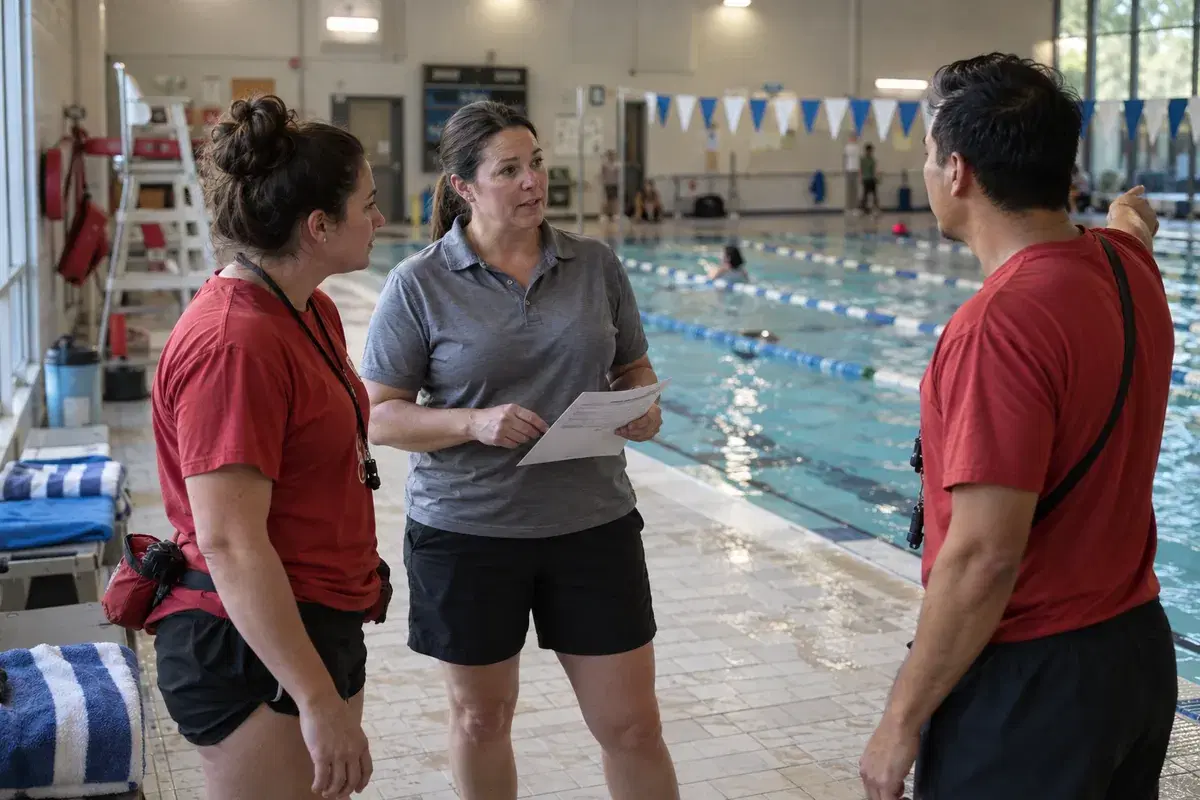
An aquatic shift manager and two lifeguards discussing their assignments on the pool deck.

Give your team a clearer day on deck.

Book a practical walkthrough with Eric. Explore the schedule, pool records, and daily routines your facility could bring into Teamcrest.